What You Can Build on Kajabi

Online Courses

Coaching Programs

Memberships
Digital Products

Consulting Offers

Group Cohorts

Private Communities

Paid Newsletters
Why Move to Kajabi
Website, email marketing, payments, products, and customer access all work together
Easier to organize digital products and offers
Products, payments, email, and access stay connected
Fewer disconnected tools to manage
Simpler customer experience
The Bonuses:
Your Kajabi Onboarding Guide
After completing Kajabi sign-up through this affiliate link, an email will arrive with these bonuses.
Kajabi 90 Days for $99 →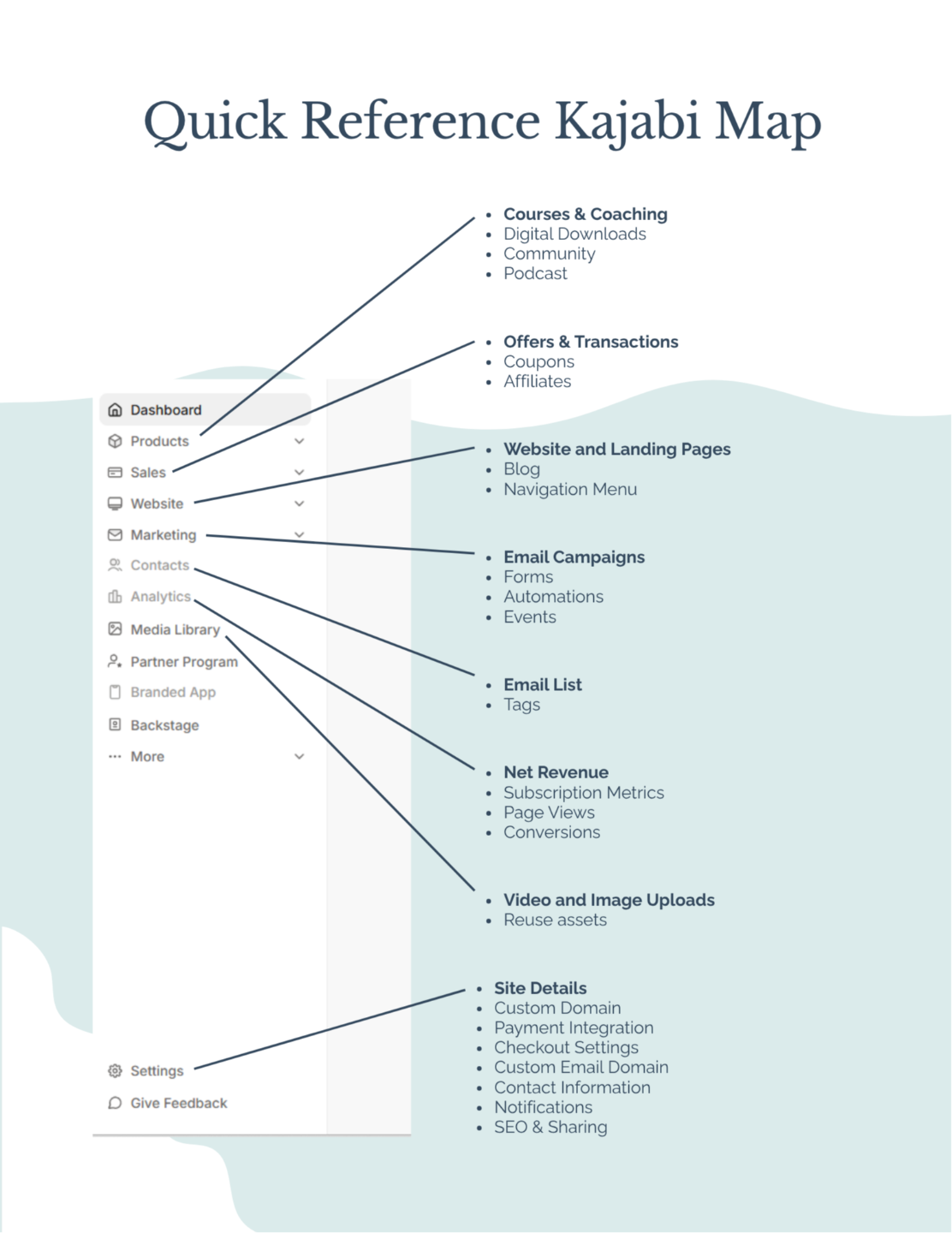
BONUS #1: Kajabi Quick Reference Guide
A visual overview of the main areas inside Kajabi, including products, offers, pages, email, payments, and automations.
It helps you understand how everything connects together inside the platform.
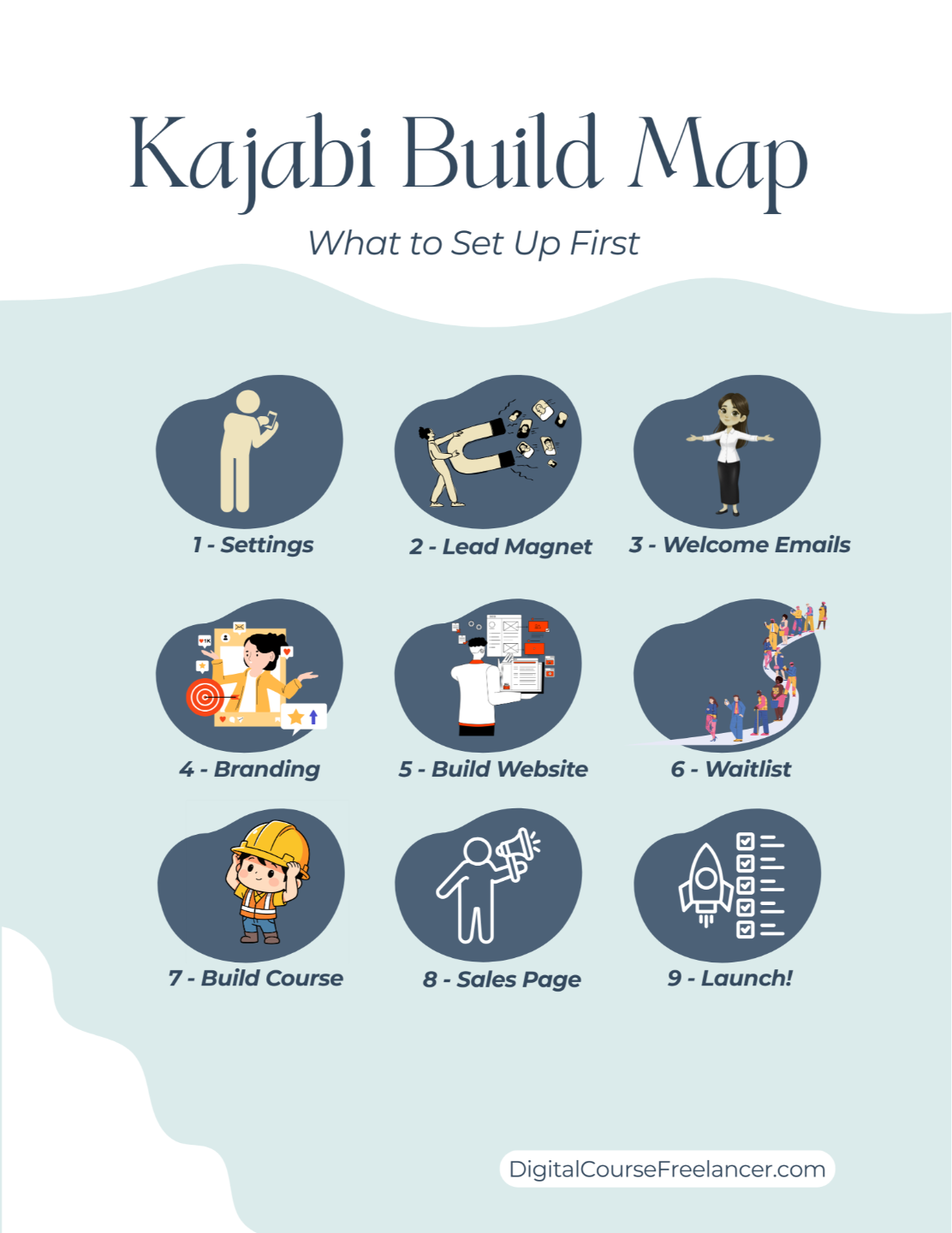
BONUS #2: Kajabi Build Order Map
A visual guide showing the order for building your offer, pages, emails, checkout, and customer experience inside Kajabi.
The map shows the order for creating offers, products, pages, and emails so access is gained correctly after your customer pays.
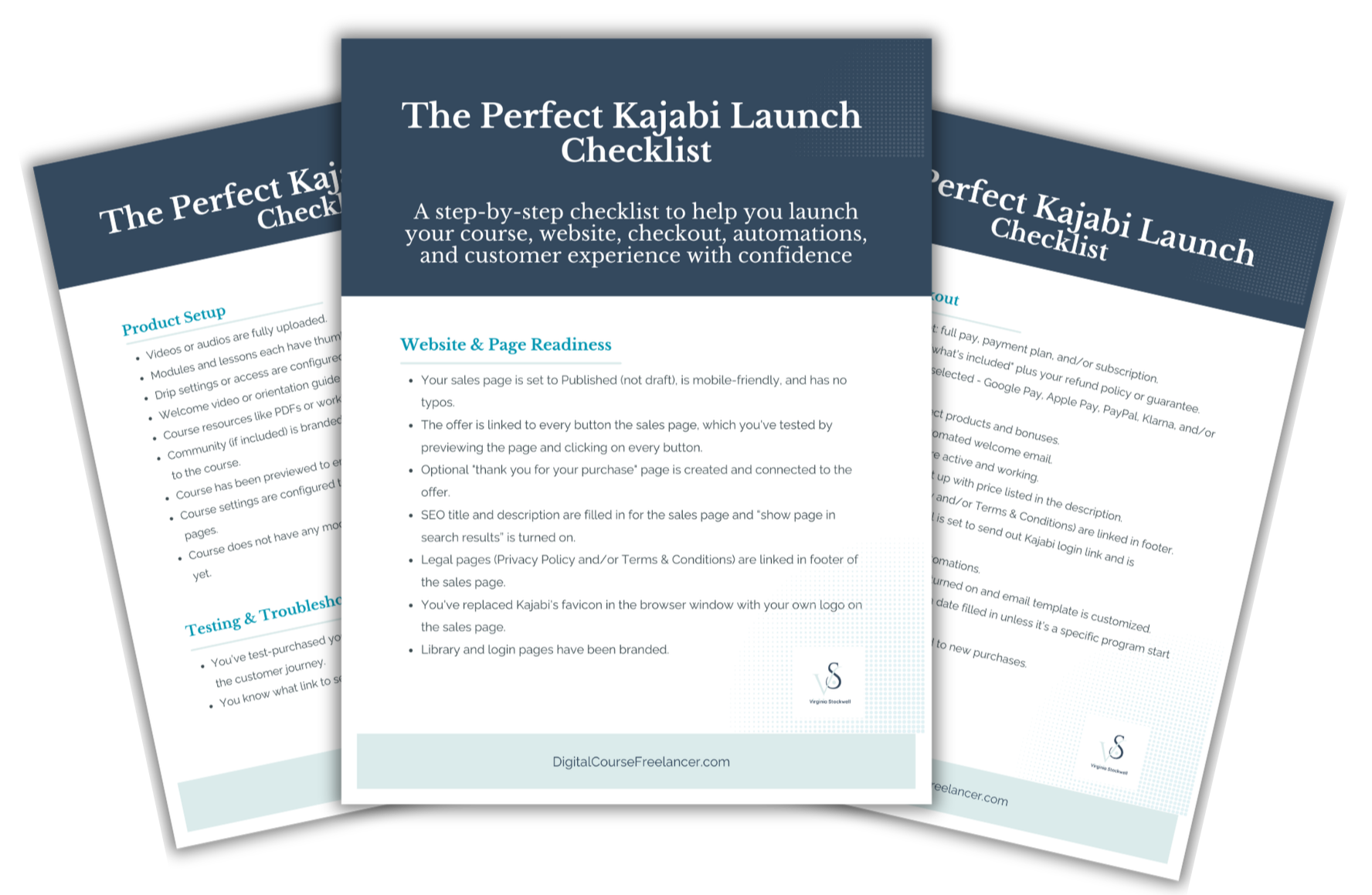
BONUS #3: Kajabi Perfect Launch Checklist
A pre-launch checklist covering the moving parts involved in publishing your offer on Kajabi.
It helps prevent common setup mistakes that can impact sales, access, email delivery, and customer experience.
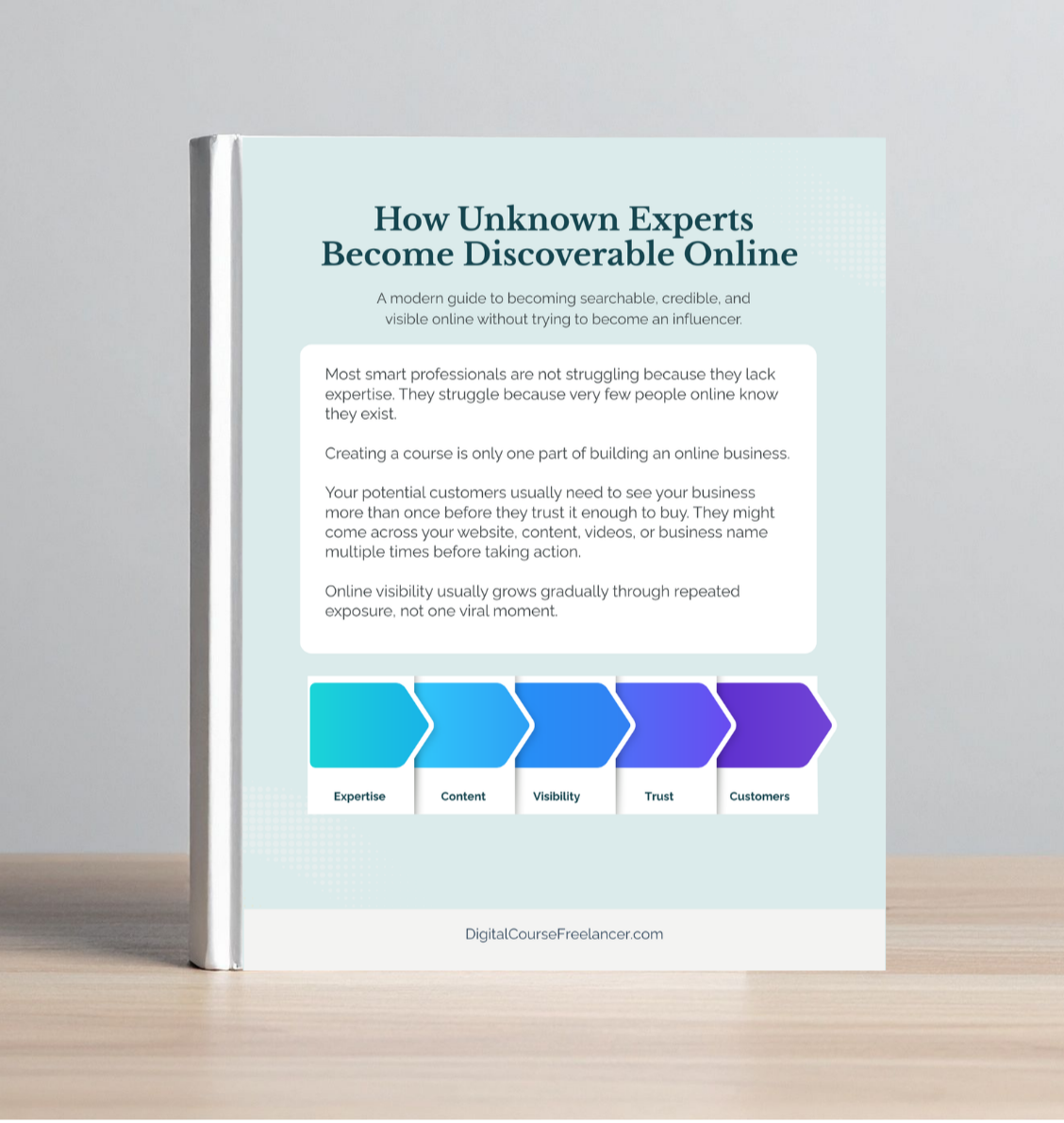
BONUS #4: How Unknown Experts Become Discoverable Online
A guide explaining how professionals become more visible online without relying on constant posting or influencer-style content
You’ll better understand how expertise is discovered online today and why smaller creators are still able to stand out.

BONUS #5: How Smart Course Creators Use AI Without Sounding Generic
Most AI content sounds repetitive when everyone uses the same prompts, structure, and wording.
This guide explains how course creators are using AI to support content creation without sounding like everyone else online.

BONUS #6: Optional 60min Zoom
A private Zoom session for Kajabi questions, website feedback, customer journey guidance, or help prioritizing what to focus on next.
Kajabi Promo: 90 Days for $99
After completing Kajabi sign-up through this affiliate link, you will receive the items via email so you have expert guidance before building anything inside your account.
About Virginia, Kajabi Tutor
Kajabi is not difficult, but many new users struggle because there are so many moving parts involved in building an online business. Pages, products, email marketing, automations, customer experience, payments, and content all need to work together.
As a Kajabi Partner and beta tester for new Kajabi features, I spend every day inside the platform helping coaches, consultants, and course creators better understand how everything fits together.

What Happens After Sign-Up


Check your email for the bonuses.

Follow the bonuses while building your pages, products, and emails.
Disclaimer: I am not an employee or representative of Kajabi, LLC. I am an independent Kajabi Partner and receive referral payments from Kajabi in this role. All opinions expressed herein are my own and are not official statements of Kajabi or any party affiliated with Kajabi.