
How to Create an Online Course Step by Step
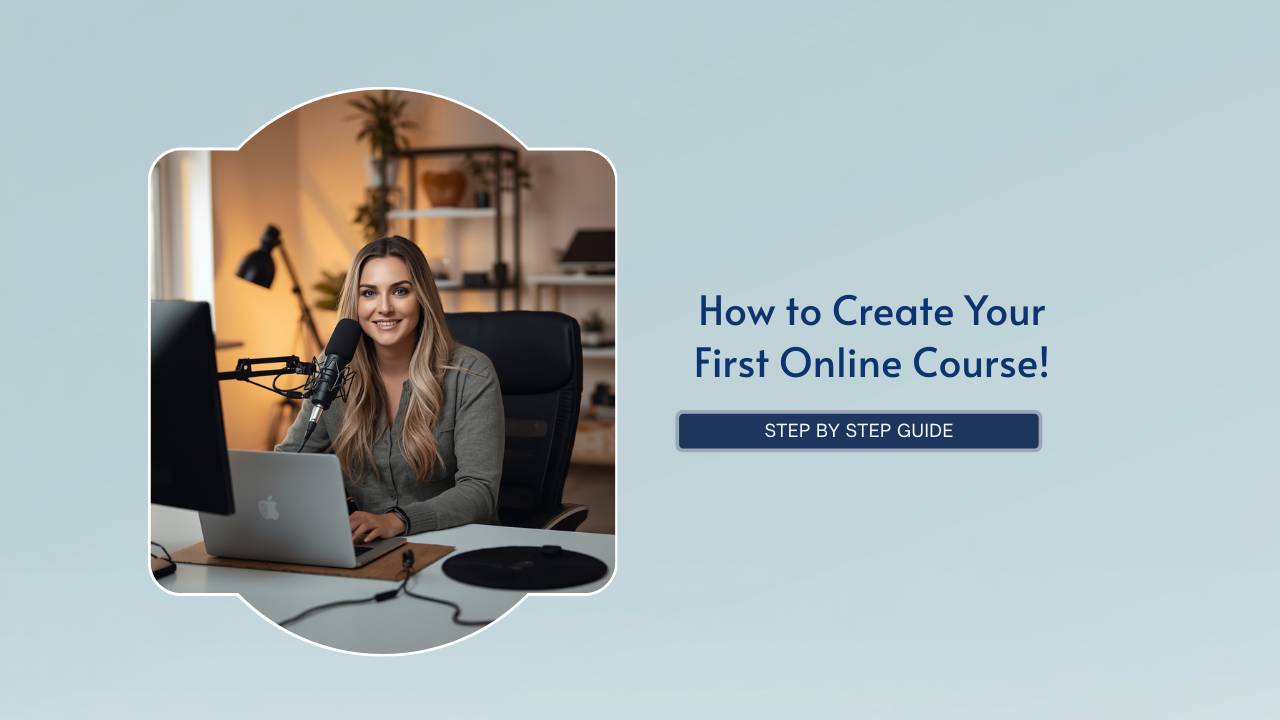
Many first time course creators spend weeks thinking about cameras, microphones, slide decks, and editing software before they have decided how the course itself should work.
That usually leads to a course that feels uneven once someone starts watching it. Important steps appear too late, lessons repeat each other, and the student has to sort through information that does not help them move forward. Production quality rarely fixes structural problems.
An online course performs better when the material is organized around implementation. Someone should be able to move through the lessons in sequence without constantly stopping to figure out what matters, what can be skipped, or why a lesson exists in the first place.
This becomes especially important once people begin paying for access. A course is no longer just content at that stage. It becomes part of the customer experience connected to refunds, testimonials, referrals, retention, and future sales.
Define the Outcome Before Outlining the Course
Before creating modules or recording lessons, decide what the course is helping someone accomplish.
That outcome might involve:
- launching a coaching business
- learning software
- building a website
- creating a sales funnel
- improving an operational process
- developing a professional skill
The stronger the outcome definition, the easier it becomes to organize the material.
A common mistake is building lessons around everything the creator knows about a topic instead of building lessons around what the student actually needs in order to complete the process successfully.
That difference changes the entire structure of the course.
When someone buys a course, they are usually trying to solve a specific problem or complete a specific task. Extra information often slows them down instead of increasing value.
Organize the Course Into Modules That Reflect Progress
Modules should represent stages of implementation rather than broad topic categories.
For example, an online business course might move through:
- offer setup
- audience building
- sales systems
- delivery
- optimization
A software course may progress through:
- account setup
- navigation
- workflow configuration
- troubleshooting
- reporting
This structure matters because students lose momentum when lessons feel disconnected from each other.
A course becomes easier to follow when each module answers a practical question:
- What happens first?
- What happens next?
- What needs to be completed before moving forward?
People continue watching courses when the sequence feels organized.
Build Lessons Around Specific Tasks
Lessons become difficult to follow when too many unrelated ideas are combined together.
A stronger lesson usually focuses on:
- one workflow
- one implementation step
- one decision
- one demonstration
- one business process
This also improves lesson titles.
“Setting Up a Checkout Page” works better than “Sales Training.”
“Recording a Screen Share Tutorial” works better than “Video Advice.”
Specific lesson names improve:
- navigation
- search visibility
- lesson recall
- user experience
Students can quickly locate what they need later without searching through vague labels.
Outline the Entire Course Before Recording Videos
Recording lessons before outlining the full course usually creates problems during editing.
Creators often realize:
- lessons overlap
- terminology changes halfway through the course
- important steps were skipped
- examples belong in different sections
- videos repeat information unnecessarily
An outline exposes these problems before recording starts.
The outline does not need to be complicated. A practical format might include:
Module
Lesson
- objective
- demonstration
- implementation example
- next step
This keeps the course organized while reducing unnecessary filming and editing later.
Decide Which Lessons Need Scripts
Not every lesson benefits from full scripting.
Software walkthroughs, demonstrations, and process explanations often sound more natural when recorded from structured notes instead of word for word scripts.
Other lessons benefit from tighter preparation, especially:
- onboarding lessons
- technical explanations
- framework teaching
- sales related instruction
- compliance or policy topics
Students usually do not expect perfect delivery. What creates frustration is when explanations become repetitive, disorganized, or unnecessarily slow.
Record the Course With a Simple Setup
Most students care far more about usability than production quality.
Complicated recording setups delay production and often create technical problems that add very little value to the learning experience.
A practical setup is usually enough:
- quiet room
- reliable microphone
- stable camera
- neutral background
- consistent lighting
Audio quality matters more than cinematic visuals. People stop watching quickly when sound quality becomes distracting.
Many first time creators also spend too much time editing minor imperfections that students would never notice.
The stronger investment is usually better organization rather than heavier editing.
Use Screen Sharing Intentionally
Screen recordings are useful because they reduce ambiguity. Instead of describing a workflow, the student can watch the process happen in real time.
This works especially well for:
- software tutorials
- automations
- website setup
- dashboard navigation
- backend configuration
- funnel building
The problem is that many screen share lessons are recorded without preparation.
That creates:
- unnecessary clicking
- searching through tabs
- repeated corrections
- inconsistent explanations
- long pauses
Students lose attention quickly when tutorials feel unstructured.
Preparing the workflow beforehand usually improves lesson pacing immediately.
Keep Lessons Focused
Longer videos do not automatically increase perceived value.
Students notice when lessons:
- repeat obvious information
- drift off topic
- over explain simple processes
- take too long to reach implementation
A tighter lesson structure usually improves completion rates because the student feels consistent progress while moving through the course.
The strongest pacing comes from lessons that explain the process, demonstrate the implementation, and move forward without unnecessary detours.
Create a Framework That Supports Recall
Students remember courses more easily when the material is organized into a recognizable structure.
This could include:
- phases
- systems
- implementation sequences
- workflows
- categories
- checkpoints
Frameworks improve retention because they help students mentally organize what they learned after the course is finished.
They also make the course easier to reference in:
- YouTube videos
- podcasts
- presentations
- blog posts
- social content
Courses without structure are harder for people to describe, recommend, or revisit later.
Add Implementation Elements Throughout the Course
Watching videos passively rarely creates strong engagement.
Students stay more involved when the course includes:
- checklists
- exercises
- prompts
- milestones
- worksheets
- implementation steps
These elements shift the course from passive watching into active participation.
That affects:
- completion rates
- customer satisfaction
- retention
- perceived value
Choose a Platform Based on Operational Needs
The platform affects much more than where videos are hosted.
It influences:
- checkout flow
- automations
- customer onboarding
- memberships
- email marketing
- analytics
- upsells
- user experience
This becomes increasingly important as the business grows.
Many creators start with disconnected tools because the initial cost appears lower. Later, they spend significant time troubleshooting integrations, rebuilding workflows, or managing fragmented systems across multiple platforms.
That operational friction eventually becomes expensive.
Platforms like Kajabi are popular among coaches, consultants, and online educators because the website, email marketing, checkout pages, automations, and course delivery are managed inside one platform instead of separate systems.
How to Start on Kajabi (with a Promo Code) →
What Makes an Online Course Easier to Complete
Students usually recognize quickly whether a course was thoughtfully organized or assembled without much planning.
Courses become easier to complete when:
- lessons stay focused
- modules follow a logical sequence
- implementation steps are easy to locate
- unnecessary repetition is removed
- the student can track progress naturally
Most successful courses are not successful because they contain the highest volume of information.
They perform well because the material is organized in a way that helps people continue moving forward without unnecessary friction.
FAQ: How to Create an Online Course
What is the best way to structure an online course?
Most online courses work best when organized into modules that reflect stages of implementation or progress. Each lesson should help someone complete a specific step before moving forward.
How long should online course videos be?
Lesson length depends on the complexity of the topic. The stronger approach is focusing on implementation and removing unnecessary repetition rather than targeting a specific runtime.
Do I need expensive equipment to create an online course?
No. Reliable audio, stable visuals, and organized teaching usually matter more than expensive production equipment.
Should online course lessons be scripted?
Some lessons benefit from scripting, especially technical explanations or onboarding sections. Demonstrations and walkthroughs often work better from structured notes.
What platform should I use to host an online course?
The best platform depends on operational needs, but many creators prefer all in one systems like Kajabi because websites, checkout pages, automations, email marketing, and course delivery are managed together. Try out Kajabi and Receive Bonuses to get your started →
Why do students stop watching online courses?
Students often stop when lessons become repetitive, disorganized, unnecessarily long, or difficult to apply.
How many modules should an online course include?
The number of modules depends on the complexity of the topic. The structure should support implementation without adding unnecessary content.
What makes an online course feel more professional?
Courses usually feel more professional when the organization is consistent, lessons stay focused, and the student can move through the material without confusion or unnecessary friction.
Start Kajabi 3 Months for $99 + Receive Bonuses including The Perfect Launch Checklist →

